
PSOU Student Login: Enrolment Number, ABC ID and DEB ID
To log in to the PSOU Student Portal, use your Email ID or Student ID with your password, or opt for OTP login with your registered mobile number. Academic Bank of Credits (ABC) ID creation and download are managed through the ABC Portal and Digilocker. Information on Enrolment Number and DEB ID is not explicitly provided in the login context by PSOU as of 02 October 2026.
Key facts
| Student Login Portal | PSOU Student Portal |
|---|---|
| OTP Login Portal | PSOU Login With OTP |
| ABC ID Creation | Via ABC Portal and Digilocker |
| LMS Login Credentials | Same as admission credentials |
| Nodal Officer for NAD | Dr. Kanwalvir Singh Dhindsa (Controller of Examinations) |
| LMS Support Email | lms@psou.ac.in |
PSOU Student Portal Login
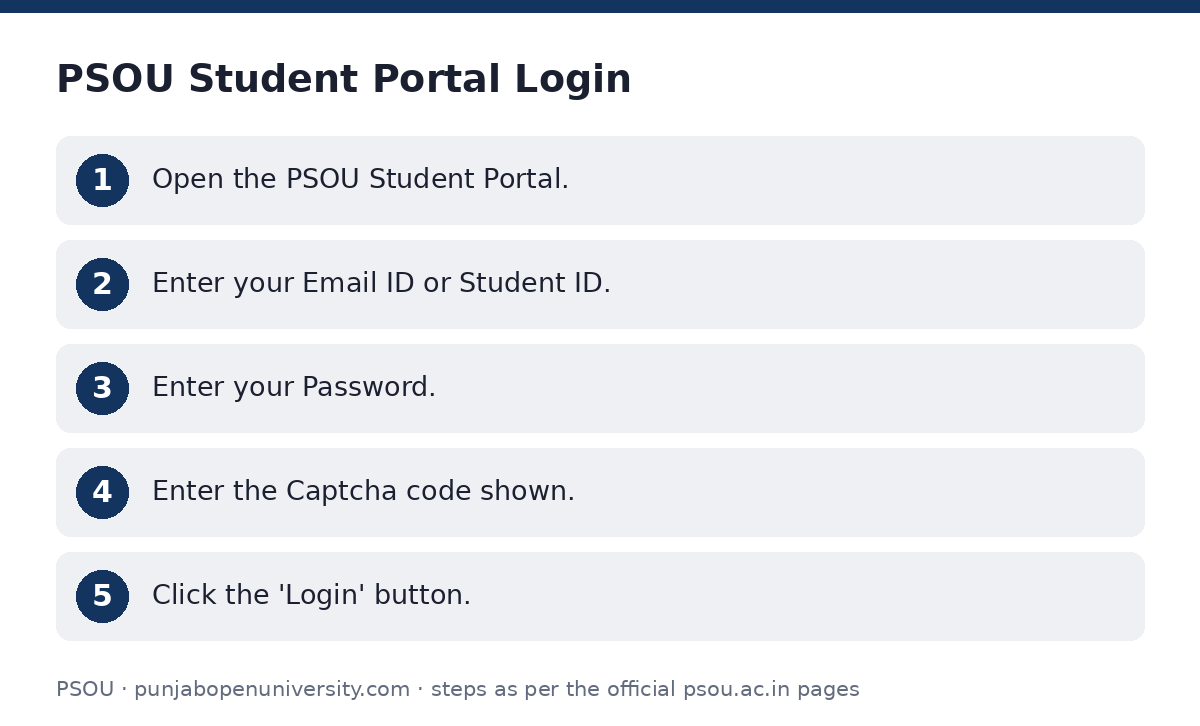
You can log in to the PSOU Student Portal using your registered Email ID or Student ID and password. This portal also serves as the login for the Learning Management System (LMS).
- Options are available for ‘Forgot Password?’ and ‘Login With OTP’.
- Open the PSOU Student Portal.
- Enter your Email ID or Student ID.
- Enter your Password.
- Enter the Captcha code shown.
- Click the ‘Login’ button.
Login with OTP
If you prefer, you can log in to the student portal using a One-Time Password (OTP) sent to your registered mobile number.
- Open the PSOU Login With OTP page.
- Enter your Registered Mobile Number.
- Click the ‘Send OTP’ button to receive an OTP.
- Enter the OTP you received.
- Enter the Captcha code shown.
- Click the ‘Login’ button.
Accessing Study Material and Uploading Assignments (LMS)
The Learning Management System (LMS) allows you to access study material and submit assignments. The login credentials for the LMS are the same as those sent to your registered mobile number during the University Admission Process.
- For any queries related to LMS, you may email lms@psou.ac.in.
- Visit the University Website and click on ‘Study Material’ from the top menu.
- Log in using your admission credentials (Email ID/Student ID and Password).
- After successful login, a new tab named ‘Study Material’ will appear on your Dashboard.
- Click on the ‘Courses’ sub-tab to view the courses under your programme.
- Click on the ‘Course Content’ button for a specific course to view and download its study material and assignments.
- To submit an assignment, click on the ‘Upload Assignments’ tab, then click ‘Submit’ for the relevant assignment, and upload your submission.
Creating Your Academic Bank of Credits (ABC) ID
The Academic Bank of Credits (ABC) ID is created through the ABC Portal. This process requires you to sign in using your Digilocker Credentials. If you do not have a Digilocker account, you must create one first.
Your ABC ID is generated automatically upon your first-time login through the ABC Portal. PSOU also directs students to Digilocker for ABC-ID on its Academic Bank of Credit/Digilocker/NAD page.
Downloading Your ABC ID Card
Once your ABC ID is created, you can download your ABC ID Card from your Digilocker account.
- Sign in to your Digilocker account.
- Click on ‘Search Documents’.
- Under the ‘Education’ section, click on ‘Academic Bank of Credits’.
- Click on ‘ABC ID Card’.
- Click on ‘Get Document’.
- The document will then be available in the ‘Issued Document Section’.
Enrolment Number and DEB ID Information
For student login, PSOU’s portal uses ‘Enter Email ID or Student ID’. The term ‘Enrolment Number’ is not explicitly mentioned as a login credential in the provided sources.
PSOU has not published information regarding ‘DEB ID’ on its website as of 02 October 2026.
Important PSOU links
| What you can do | Official page |
|---|---|
| Log in to PSOU Student Portal | student.psou.ac.in/Login |
| Log in with OTP | student.psou.ac.in/LoginOTP |
| View PSOU’s NAD/ABC page | www.psou.ac.in/beta/nad_abc |
| Contact PSOU for assistance | www.psou.ac.in/beta/contact_us |
Official documents (PDF)
- User Manual for Study Material PDF — Guidelines for using the Learning Management System
Frequently asked questions
How do I log in to the PSOU student portal?
You can log in using your registered Email ID or Student ID and your password on the PSOU Student Portal. You will also need to enter a Captcha code.
Can I log in to the PSOU student portal using an OTP?
Yes, you can log in using an OTP. Visit the PSOU Login With OTP page, enter your registered mobile number to receive an OTP, and then use the OTP and Captcha to log in.
How do I access my study material and assignments?
Log in to the student portal using your admission credentials. After logging in, click on the ‘Study Material’ tab on your dashboard to view courses and download content, or to upload assignments.
How do I create an Academic Bank of Credits (ABC) ID?
You create your ABC ID through the ABC Portal by signing in with your Digilocker Credentials. If you don’t have a Digilocker account, you must create one first.
How do I download my ABC ID Card?
Sign in to your Digilocker account, search for ‘Academic Bank of Credits’ under the ‘Education’ section, click ‘ABC ID Card’, and then ‘Get Document’ to find it in your ‘Issued Document Section’.
Where can I find information about DEB ID?
PSOU has not published information regarding ‘DEB ID’ on its website as of 02 October 2026.
Sources
Written from the official PSOU pages and documents below, as read on 2 October 2026.
- 202302091209200d6bfd4a57.pdf psou.ac.in/…/202302091209200d6bfd4a57.pdf
- Student Portal (ਵਿਦਿਆਰਥੀ ਪੋਰਟਲ) student.psou.ac.in/…/Login
- LMS (ਐਲ student.psou.ac.in/…/Login
- Academic Bank of Credit/Digilocker/NAD (ਅਕਾਦਮਿਕ ਬੈਂਕ ਆਫ਼ ਕ੍ਰੈਡਿਟ/ਡਿਜੀਲੌਕਰ/ਐਨ.ਏ.ਡੀ) www.psou.ac.in/…/nad_abc
- User Manual for Study Material student.psou.ac.in/…/Student Guidelines for LMS.pdf
- OTP ਨਾਲ ਲੌਗਇਨ ਕਰੋ / Login With OTP student.psou.ac.in/…/LoginOTP