
PSOU Admission Status: How to Check Your Application
To check your PSOU admission status, log in to the PSOU student portal using your registered Email ID or Student ID and password. After logging in, you can access your online student dashboard, which includes links to the Admission Portal and the option to download your Admit Card.
Key facts
| Student Portal Login | https://student.psou.ac.in/Login |
|---|---|
| Admission Helpline | 9463082523 |
| Examination Helpline | 9530741524 |
| Last Date of Admission (July 2026 session) | 10 October 2026 |
Accessing Your PSOU Admission Status
The Jagat Guru Nanak Dev Punjab State Open University (PSOU) student portal is the primary platform for accessing information related to your admission application. While the sources do not detail a specific step-by-step application status tracker, logging into your dashboard provides access to admission-related details and allows you to download your Admit Card once admission is confirmed.
Your login credentials are the same as those sent to your registered mobile number during the university admission process.
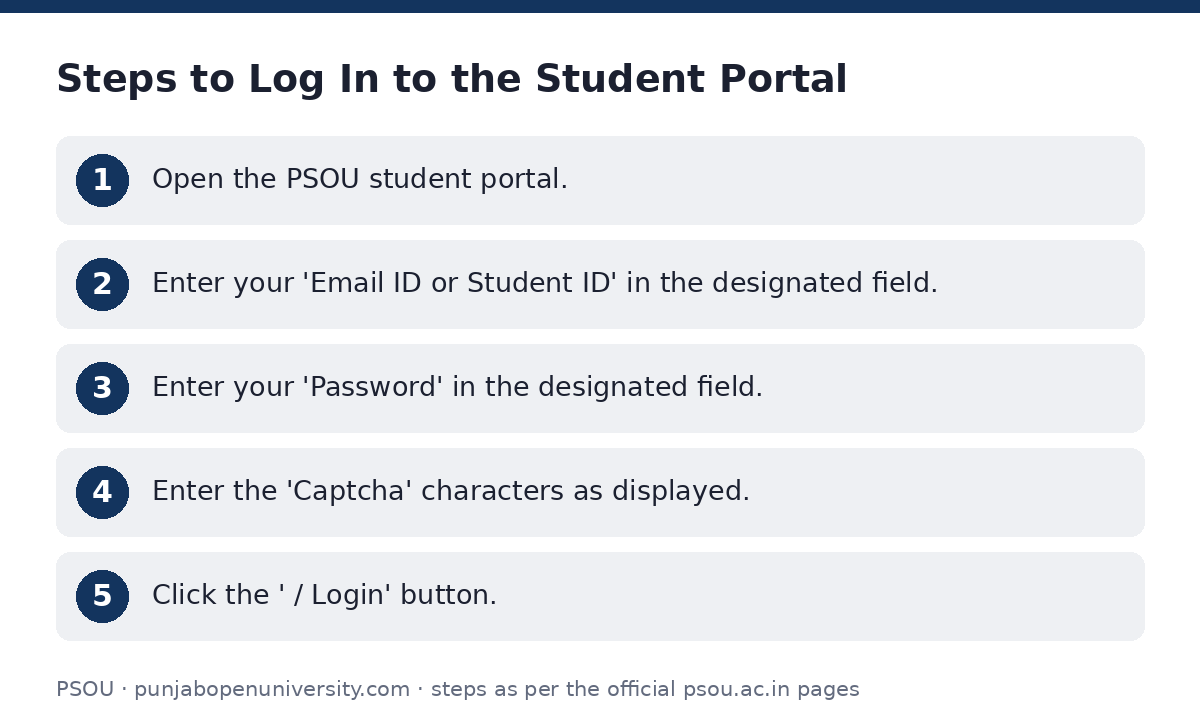
Steps to Log In to the Student Portal
If you have forgotten your password, use the ‘ਪਾਸਵਰਡ ਭੁੱਲ ਗਏ? / Forgot Password?’ option. You can also log in using an OTP by selecting ‘OTP ਨਾਲ ਲੌਗਇਨ ਕਰੋ / Login With OTP’.
- Open the PSOU student portal.
- Enter your ‘Email ID or Student ID’ in the designated field.
- Enter your ‘Password’ in the designated field.
- Enter the ‘Captcha’ characters as displayed.
- Click the ‘ਲੌਗਇਨ / Login’ button.
PhD Programme Application Status
For PhD programme admissions, a dedicated PhD Admission Portal is available. This portal also features a login option where applicants can access their specific PhD admission information.
Notifications regarding the PhD Programme Admission Schedule and advertisements for the 2025-26 session were published on 15 September 2026.
E-Sanad Document Verification Process and Status
E-Sanad is a digital platform for online verification, attestation, or apostille of educational documents like degrees, diplomas, and marksheets. This process is typically for post-admission document verification and not for checking initial application status. It is a faceless, cashless, and paperless system.
To avail this service, you must follow steps on both the university portal for fee payment and the E-Sanad portal for document submission and status tracking.
- Part A: Payment of Fee to University
- Login to the JGNDPSOU student portal.
- Navigate to ‘Examination’ -> ‘Fill Examination Forms’ -> ‘My Examination Forms’.
- Click ‘Click here to Pay Fees’ and pay the applicable verification fee.
- Save the soft copy/scanned copy of the fee receipt as a PDF.
- Part B: Steps on E-Sanad Portal
- Register with the E-Sanad portal by accessing https://esanad.nic.in.
- On the home page, select ‘Online services’ -> ‘Online Attestation’ -> ‘New User (Sign Up)’.
- Fill in the Applicant Registration form and click ‘Register’. Your password will be shared via registered mobile number and email.
- Login to the E-Sanad portal with your registered email and password.
- Scan each original document/transcript separately (front side only) in colour with 200 DPI resolution, maximum 2 MB size, portrait format, A4 size, and save as PDF.
- Login to the E-Sanad portal and follow: ‘Manage Document’ -> ‘Online Attestation’ -> ‘Apply for Non Pre-verified Document’.
- Fill the form carefully and upload the scanned images of your documents, including the fee receipt from PSOU.
- Pay the Ministry of External Affairs fee online for attestation or apostille.
- Save the acknowledgement with the unique ARN (Application Registration Number) for future use.
- The status of your E-Sanad application can be checked using the ARN in the E-Sanad portal under the ‘status enquiry’ option.
E-Sanad Document Verification Fees
| Service | JGNDPSOU Fee (Per sheet) | MEA Fee (Per document) |
|---|---|---|
| Verification of DMC/Degree | Rs. 500/- + GST | Rs. 40/- (Attestation) / Rs. 90/- (Apostille) |
| Verification of Official Transcript | Rs. 1000/- + GST | Rs. 40/- (Attestation) / Rs. 90/- (Apostille) |
Important Admission Dates for July 2026 Session
Key Admission Dates
| Admission Cycle | Last Date of Admission |
|---|---|
| July 2026 | 10 October 2026 |
Admission and Examination Helplines
PSOU Helpline Numbers
| Service | Phone Number |
|---|---|
| Admission Helpline | 9463082523 |
| Examination Helpline | 9530741524 |
| E-Sanad Assistance (Exam Helpline) | 95307-41524 |
Important PSOU links
| What you can do | Official page |
|---|---|
| Log in to PSOU student portal | student.psou.ac.in/Login |
| Access PhD Admission Portal | admissions.psou.ac.in |
| Access E-Sanad portal | psouadm.samarth.edu.in/phd/index.php/site |
Official documents (PDF)
- User Manual for Study Material PDF — Guidelines for using the Learning Management System (LMS)
Frequently asked questions
How can I get admission to PSOU?
This page focuses on checking admission status. However, applications for admission to PSOU programmes are typically made through the online admission portal, which can be accessed after clicking ‘Click Here to Apply’ on the PSOU student login page. The last date for admission for the July 2026 session is 10 October 2026.
How do I log in to the PSOU student portal?
To log in, visit the PSOU student portal. Enter your registered Email ID or Student ID, your password, and the captcha characters. Then click the ‘ਲੌਗਇਨ / Login’ button. You can also use the ‘Login With OTP’ option.
What information do I need to log in to the student portal?
You need your registered Email ID or Student ID, your password, and to complete a captcha verification. Your login credentials are provided to your registered mobile number during the university admission process.
Can I check my application status for PhD programmes separately?
Yes, PhD applicants should use the dedicated PhD Admission Portal to access their specific admission information and status.
What is E-Sanad and how do I check its status?
E-Sanad is a digital platform for online verification, attestation, or apostille of educational documents. After submitting your documents and paying fees on the E-Sanad portal, you receive an Application Registration Number (ARN). You can check the status of your E-Sanad application using this ARN under the ‘status enquiry’ option on the E-Sanad portal.
What are the fees for E-Sanad document verification?
For verification of DMC/Degree, the PSOU fee is Rs. 500/- + GST per sheet. For official transcripts, it is Rs. 1000/- + GST per sheet. Additionally, the Ministry of External Affairs (MEA) charges Rs. 40/- for attestation and Rs. 90/- for apostille per document.
When is the last date for admission for the July 2026 session?
The last date for admission for the July 2026 session is 10 October 2026.
Sources
Written from the official PSOU pages and documents below, as read on 2 October 2026.
- 20250929112322b299e9b536.pdf psou.ac.in/…/20250929112322b299e9b536.pdf
- Jagat Guru Nanak Dev Punjab State Open psouadm.samarth.edu.in/…/site
- B.com. Digital (applicable Only To All Previous Batches Upto January )0)4 Admission Cycle www.psou.ac.in/…/b.com.-digital–1applicable-only-to-all-
- B.a. Liberal Arts (applicable Only To All Previous Batches Upto January )0)4 Admission Cy www.psou.ac.in/…/b.a.-liberal-arts–1applicable-only-to-a
- Admission admissions.psou.ac.in
- Student Portal (ਵਿਦਿਆਰਥੀ ਪੋਰਟਲ) student.psou.ac.in/…/Login
- User Manual for Study Material student.psou.ac.in/…/Student Guidelines for LMS.pdf
- Admissions psou.ac.in/…/admission